Open Beta: Download to SD Card, USB Drive, or Any Folder in DOWNitUP
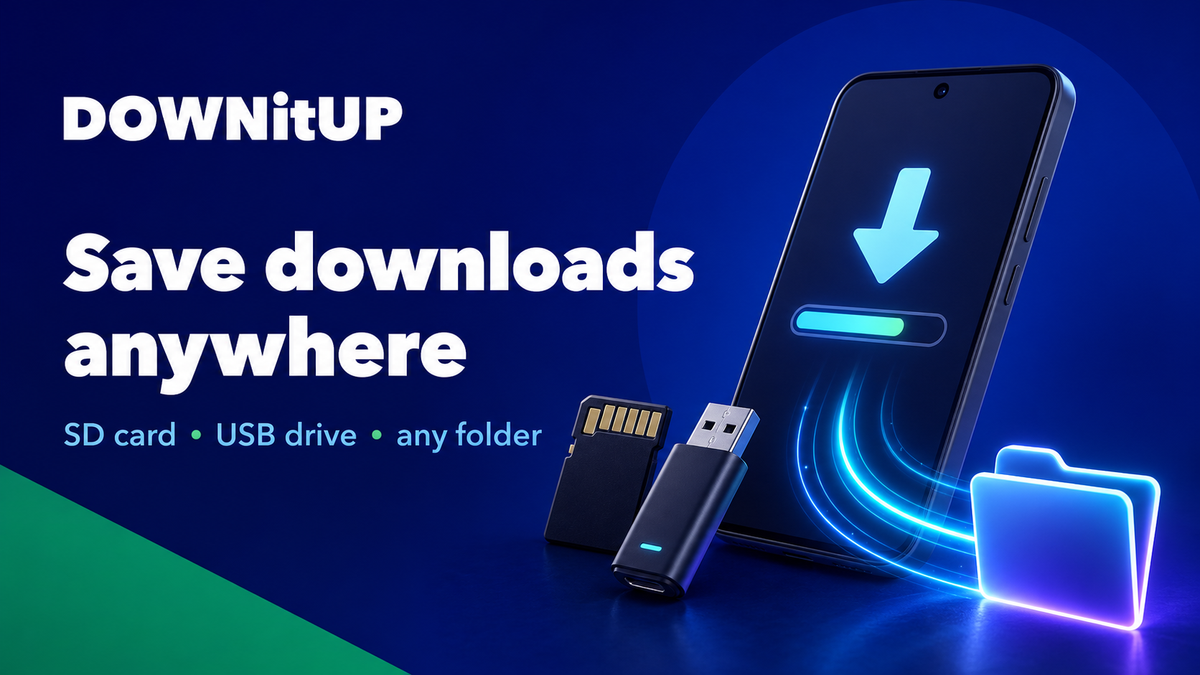
We are opening the DOWNitUP 1.10.0 Android beta, and we would love your help testing one of the most requested features.
You can now save downloads directly to an SD card, a USB drive connected to your phone or tablet, or any folder you choose through Android’s system folder picker.
This works for both:
- Regular file downloads
- Torrent and magnet downloads
If your phone has limited internal storage, or if you prefer keeping large files on removable storage, this beta is for you.
What’s New
Earlier, DOWNitUP saved downloads to its default download location. With this beta, you get more control over where your files are stored.
You can now choose a custom download folder from:
- Internal storage
- SD card
- USB drive
- Any supported Android file provider
Once selected, DOWNitUP will use that folder for new downloads.
How to Join the Open Beta
- Open the DOWNitUP page on Google Play on your Android device.
- Find the Join the beta section.
- Tap Join.
- Wait a few minutes for Google Play to make the beta update available.
- Update or install DOWNitUP.
- Open DOWNitUP and go to Settings.
- Under Download location, tap Change download location.
- Select your SD card, USB drive, or preferred folder.
- Confirm by tapping Use this folder.
- Start a new download.
You can change the download folder again anytime from Settings.
Why This Needed Extra Work
Modern Android does not allow apps to freely write to every folder or removable drive using normal file paths.
Instead, Android uses the Storage Access Framework, also known as SAF. This means the system folder picker lets you choose a folder and gives DOWNitUP permission to access only that selected location.
This keeps storage access safer and avoids broad storage permissions.
For regular downloads, DOWNitUP now writes files through Android’s document APIs.
For torrents, the work was more complex. Torrent engines need random-access file operations, while SD cards and USB folders selected through SAF behave differently from normal file paths.
To support this properly, DOWNitUP now includes a SAF-enabled version of jlibtorrent with a custom storage backend. This allows torrent and magnet downloads to use the same selected folder while still respecting Android’s storage rules.
What We Need You to Test
Because removable storage behaves differently across Android versions, devices, SD cards, USB drives, and file providers, this feature is currently in beta.
Please test:
- Selecting an SD card folder
- Selecting a USB drive folder
- Downloading a regular file to the selected folder
- Downloading a torrent or magnet link to the selected folder
- Pausing and resuming downloads
- Opening completed files from DOWNitUP
- Opening the completed download folder
- Disconnecting and reconnecting removable storage
How to Report Issues
If something does not work, please include:
- Android version
- Device model
- Storage type used, such as SD card or USB drive
- Whether it was a regular download or torrent download
- What step failed
Please do not share private download links, magnet links, filenames, or folder paths.
Thank You
This update should make DOWNitUP much more useful for users with limited internal storage and for anyone who prefers keeping downloads on removable storage.
Thank you for helping test the beta and improve DOWNitUP.